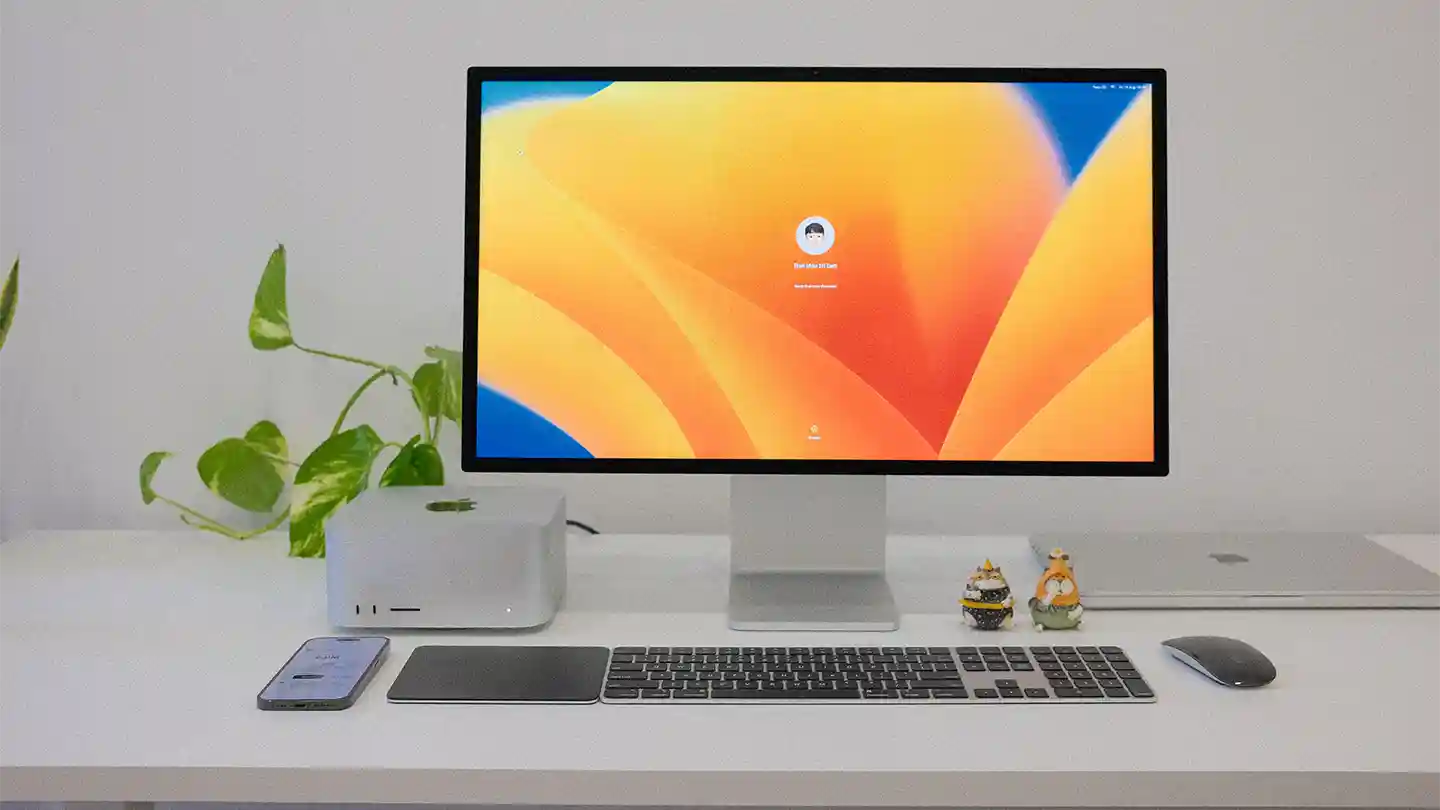
Whether you’re working from home, studying online, running a business, or creating content, your workspace has a direct impact on your productivity. A cluttered desk, slow devices, or uncomfortable seating can make even simple tasks feel challenging. Fortunately, creating an efficient workspace doesn’t require a complete office makeover—just the right combination of technology and smart accessories.
At NexByte, we believe that the right gadgets can transform the way you work. From ergonomic accessories to high-performance peripherals, here’s everything you need to build the perfect productivity workspace.
Why Your Workspace Matters
An organized and well-equipped workspace helps you:
- Stay focused for longer periods
- Reduce distractions
- Improve comfort during extended work sessions
- Increase efficiency and workflow
- Protect your posture and reduce fatigue
- Create a more enjoyable working environment
Whether you’re a student, freelancer, remote employee, or entrepreneur, investing in your workspace is an investment in your productivity.
1. A Reliable Laptop or Desktop
Your computer is the heart of your workspace. Choosing a device with enough processing power ensures smooth multitasking and faster performance.
Look for:
- Modern multi-core processor
- At least 16GB RAM
- Fast SSD storage
- Long battery life (for laptops)
- High-resolution display
Featured Product
NovaCore ProBook X15
A sleek productivity laptop featuring a vibrant display, fast processor, all-day battery life, and lightweight design—ideal for professionals and students alike.
2. Upgrade to a Larger Monitor
A larger screen helps reduce window switching and allows you to work with multiple applications simultaneously.
Benefits include:
- Better multitasking
- Easier document editing
- Improved spreadsheet management
- Enhanced video conferencing
- Reduced eye strain
Featured Product
VisionEdge UltraView 27
A 27-inch QHD monitor with ultra-thin bezels, vibrant colors, and eye-care technology designed for long work sessions.
3. Invest in an Ergonomic Keyboard
Typing for hours on an uncomfortable keyboard can lead to fatigue and wrist strain.
A quality ergonomic keyboard offers:
- Comfortable key travel
- Quiet typing
- Wrist support
- Wireless connectivity
- Long battery life
Featured Product
KeyFlex Ergo Pro
Designed for all-day comfort with responsive keys, customizable shortcuts, and a compact wireless layout.
4. Choose a Precision Wireless Mouse
A responsive mouse improves navigation and reduces hand fatigue.
Consider features like:
- Adjustable DPI
- Silent clicks
- Rechargeable battery
- Multi-device pairing
- Ergonomic design
Featured Product
ClickMaster Air M7
An ergonomic wireless mouse built for productivity with smooth tracking and extended battery life.
5. Improve Audio with Noise-Cancelling Headphones
Whether you’re attending virtual meetings or concentrating on deep work, quality audio makes a significant difference.
Benefits
- Clear voice calls
- Better focus
- Reduced background noise
- Comfortable long-term wear
Featured Product
SoundSphere Quiet Pro
Wireless headphones with active noise cancellation, crystal-clear microphones, and immersive sound quality.
6. Organize Your Desk with Smart Accessories
A tidy workspace helps reduce distractions and improves efficiency.
Useful accessories include:
- Cable organizers
- Desk mats
- Laptop stands
- Pen holders
- Storage trays
- Monitor risers
Featured Product
DeskFlow Organizer Kit
An all-in-one desk organization solution designed to keep cables, accessories, and devices neatly arranged.
7. Add a Fast Wireless Charging Station
Instead of searching for charging cables, use a wireless charging station that powers multiple devices simultaneously.
Ideal For
- Smartphones
- Smartwatches
- Wireless earbuds
Featured Product
PowerNest Trio Dock
A compact charging station capable of charging three devices at once while minimizing cable clutter.
8. Upgrade Your Webcam for Professional Meetings
Built-in laptop webcams often struggle in low light and lack image clarity.
An external webcam provides:
- Sharper video
- Better low-light performance
- Wider viewing angle
- Improved image quality
Featured Product
VisionCam Ultra HD
A Full HD webcam with autofocus, built-in microphones, and automatic lighting adjustment.
9. Stay Connected with a Multi-Port USB Hub
Modern laptops often have limited ports. A USB hub expands connectivity for all your essential devices.
Connect
- External drives
- Monitors
- Memory cards
- Ethernet
- USB accessories
Featured Product
ConnectHub Elite 9-in-1
A versatile USB-C hub with HDMI, Ethernet, SD card reader, USB-A, and Power Delivery support.
10. Protect Your Work with External Storage
Backups are essential for protecting important documents, creative projects, and business files.
Recommended Features
- High-speed SSD
- Large storage capacity
- Compact design
- Shock resistance
Featured Product
SecureVault SSD Plus
A portable solid-state drive delivering fast file transfers and dependable data protection.
Bonus Gadgets for a Smarter Workspace
Small upgrades can make a big difference in your daily workflow.
Consider adding:
- Smart desk lamp with adjustable brightness
- Mechanical timer for focused work sessions
- Bluetooth speaker for background music
- Smart notebook for digital note-taking
- Air purifier for improved workspace comfort
- Compact desktop fan
- Adjustable laptop stand
These accessories create a workspace that’s not only functional but also enjoyable to use.
Tips for Maintaining a Productive Workspace
Technology works best when paired with good habits.
- Keep only essential items on your desk.
- Organize cables using clips or sleeves.
- Clean your keyboard, mouse, and monitor regularly.
- Position your monitor at eye level.
- Take short breaks every hour to stretch and rest your eyes.
- Keep frequently used devices within easy reach.
- Ensure your workspace has adequate lighting to reduce eye strain.
Consistent organization helps maintain focus and prevents unnecessary distractions.
Why Shop at NexByte?
At NexByte, we’re passionate about helping you create the ultimate workspace with carefully selected technology and accessories.
When you shop with us, you’ll enjoy:
- Quality tech products
- Competitive pricing
- Fast and reliable shipping
- Friendly customer support
- Secure online shopping
- Regular promotions and exclusive deals
Whether you’re building a new home office, upgrading your study setup, or enhancing your gaming and creative workstation, NexByte has the gadgets to help you work smarter.
Final Thoughts
Building the perfect productivity workspace isn’t about buying the most expensive equipment—it’s about choosing tools that support your workflow, improve comfort, and help you stay focused. A reliable computer, ergonomic accessories, quality peripherals, and smart organization can significantly enhance your daily productivity.
At NexByte, we’re committed to providing the latest tech and gadgets to help you create a workspace that works for you. Explore our collection and discover the tools that will make every workday more efficient, organized, and enjoyable.

Leave a Reply